How to make a halftone image from a photo
Turn a photo into printer’s dots at a real line ruling, with the dot shape and angle in your hands.
A short guide to getting good results, plus answers to the questions people ask most.
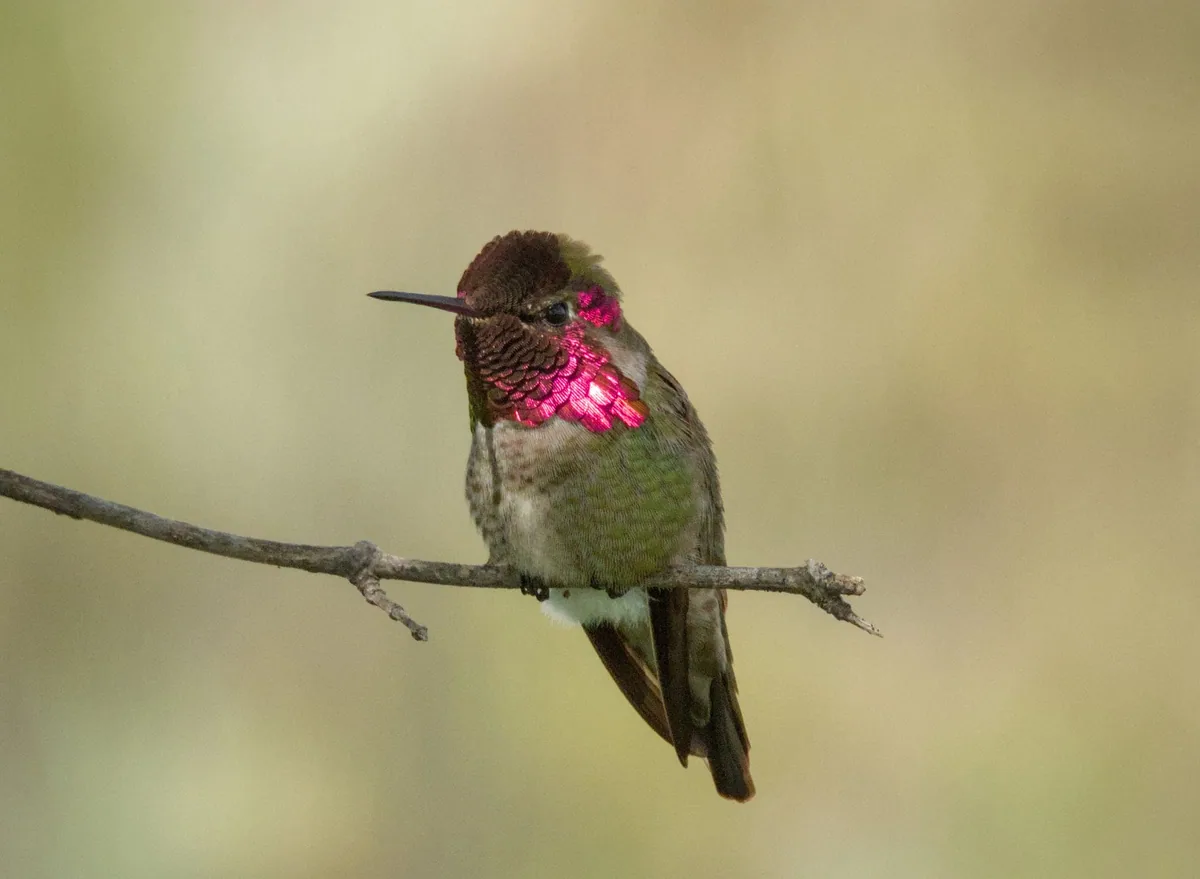
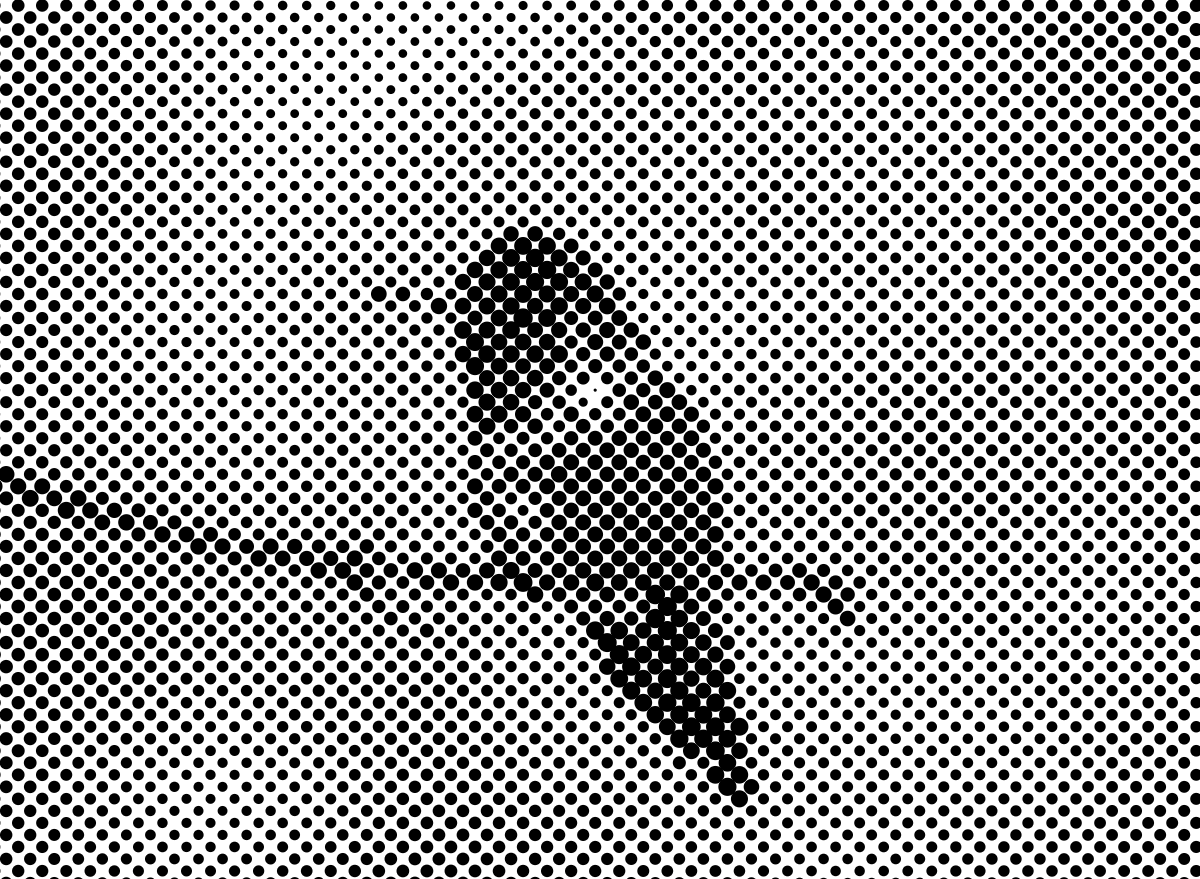
How to use it
- 1
Press Choose a file
Or drop a picture on the page. It opens on the Halftone tab as round black dots on white: the Poster screen, 12 lines to the inch.
- 2
Choose the Pattern
In the panel on the right, Pattern sets the dot shape: Circle, Ellipse, Square, Diamond or Line. Grid Arrangement under it sets how the dots are laid out. The picture redraws as you choose.
 Circle
 Diamond
 Line Marks
The same picture in three dot shapes. - 3
Set the Screen
Screen picks a line ruling by job, from Poster to Fine art. Drag Line ruling under it for a value of your own. Fewer lines to the inch give bigger dots.
 Poster — 12 LPI
 Silkscreen — 45 LPI
 Newsprint — 65 LPI
The same picture at three line rulings. - 4
Turn the Angle
Drag Angle to turn the rows of dots. One ink sits best at 45°, where the eye notices the rows least. The dots swing round as you drag.
- 5
Press Export
The blue button, top right. Picture gives PNG or JPEG, Print TIFF or PDF, Design software an SVG with every dot a shape. On a phone, save from the share sheet.
Made with Halftone Generator
Finished pictures from the ProDesigner gallery, each made in this tool.


About this tool
Halftone Generator breaks a picture into a grid of dots that grow with the tone, as a press prints a photograph in one ink. You choose the dot shape, the line ruling, the angle and the grid. The preview shows the result at full size.
You get a PNG at the sheet size you set, or SVG and PDF where every dot is a shape a printer can use. Set the ruling in lines per inch and the dots come out the right size on paper.
Features
Real line rulings
Poster to fine art presets in lines per inch, or your own number, sized to the sheet you set.
Dot shapes and grids
Circle, ellipse, line, diamond and more, on square, hexagonal, spiral and ring grids.
Vector dots
SVG and PDF keep each dot as a shape, sharp at any size and editable in Illustrator.
Dot gain
Tell it your shop’s dot gain and the exported plates are lightened so the press lands on your tone.
Frequently asked questions
Is it free?
Yes. Every feature and every export is free, with no account and no watermark. An account is optional and only keeps your projects so you can reopen them on another device.
Are my files uploaded?
No. Everything runs in your browser and your files stay on your device. The only thing that leaves it is a project you choose to save to your account.
What is a halftone?
A way to print a photograph with one solid ink. The picture becomes a grid of dots, large in the shadows and small in the highlights, that the eye reads as gray.
What line ruling should I use?
Ask the printer. Newsprint runs coarse, coated stock fine, and risograph and screen printing coarser still. The Screen list names the usual ones by process.
Can I export the dots as vector?
Yes. SVG and PDF write each dot as a shape, so it stays sharp at any size and opens in a vector program.
More tools
Dither, Halftone & Separations
125 dithering algorithms and halftone screens, plus press-ready color separations for screen printing.
Screen Print Separations
Separate artwork into screen-printing films — six separation modes, trapping in millimeters, underbase and press-ready plates.
Effects Lab
Layered effects for a picture you bring, or for a scene made from nothing: glass, metal and gel; lens flares and glow; warps; print, film, screen and paint looks; skies, water and lit spheres; and your own words, each effect a layer you can blend, mask, group and set moving.
ProDesigner is free for everyone, everywhere. If it saves you time, consider supporting its development.
Support ProDesigner