How to use Screen Print Separations
Split artwork into screen-printing films: spot colors or process, halftoned, trapped, with an underbase for dark shirts.
A short guide to getting good results, plus answers to the questions people ask most.
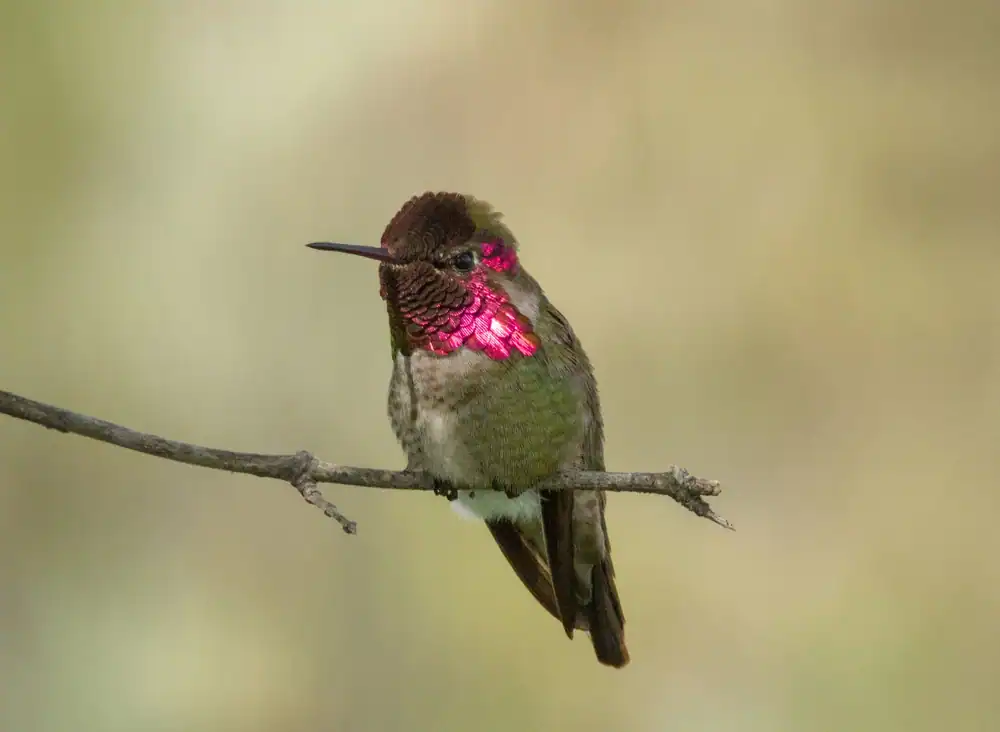
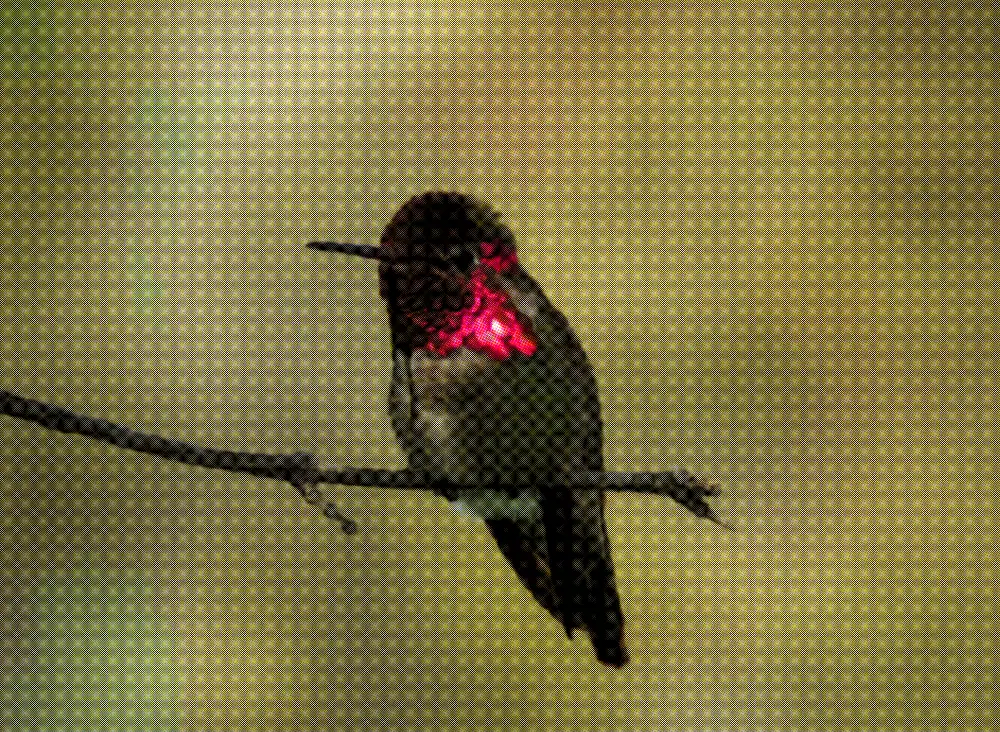
How to use it
- 1
Drop an image or video here
The picture opens in Separations on Spot colors, with plates chosen from it. Auto Sep. picks them again after you change the count.
- 2
Choose Spot colors or Process (CMYK)
Flat graphics and logos separate cleanly into spot inks and cost fewer screens. Photographs and blends need process.
- 3
Set each screen
Every screen has a separation mode (Color match, Tone range, Fill, Outline, Underbase) and a screen type (Halftone dots, Stochastic, Flat). Add Screen for another.
 Cyan
Cyan Magenta
 Yellow
 Black
Black Process (CMYK)
The four process plates alone, then all four in register. - 4
Set the mesh and the trap
Pick the mesh your shop uses and the ruling follows. Set the trap in millimeters to the registration they hold.
- 5
Add an Underbase, then Export
Underbase is a screen mode: a white layer printed first so colors read true on a dark shirt. Then export the films and the plates PDF.
About this tool
Screen Print Separations turns a picture into one film per screen. Drop it in and it opens as spot-color plates picked from the picture, each halftoned at a real mesh and ruling. Switch to process for photographs and blends.
You get the films as grayscale PNG, SVG or PDF with crop and registration marks, plus a plates PDF. A proof models ink spread and registration. The trap is set in millimeters, so it means the same at any size.
Features
Every way to separate
Color match, tone range, process channel, fill, outline and underbase, on light or dark garments.
Trap in millimeters
Choke and spread at output size, checked in the proof against a shop’s registration tolerance.
Press proof
Ink spread, edge bite, press variance and registration jitter, so the screen shows what the platen will.
Films a shop burns
Grayscale films as PNG, SVG or PDF with crop and registration marks, and a plates PDF.
Frequently asked questions
Is it free?
Yes. Every feature and every export is free, with no account and no watermark. An account is optional and only keeps your projects so you can reopen them on another device.
Are my files uploaded?
No. Everything runs in your browser and your files stay on your device. The only thing that leaves it is a project you choose to save to your account.
What is a color separation?
Screen printing lays one ink per screen, so the artwork is split into one film per color. A separation is that split: grayscale films that rebuild the picture in register.
How many colors should I separate into?
Fewer than you think. Every color is another screen and another registration risk. Three or four well-chosen spot inks usually beat six-color process.
Do I need an underbase?
On any garment darker than your lightest ink, yes. It is a white layer printed first so the colors read as themselves, choked slightly so it does not show.
More tools
Dither, Halftone & Separations
125 dithering algorithms and halftone screens, plus press-ready color separations for screen printing.
Halftone Generator
Turn photographs into halftone dots — 20 dot shapes, 12 grid arrangements, per-channel screen angles and vector output.
Risograph Separator
Separate artwork into risograph plates — 31 authentic inks, 6 paper stocks, overprint proofing and shop-ready pre-flight.
ProDesigner is free for everyone, everywhere. If it saves you time, consider supporting its development.
Support ProDesigner