How to use Dither, Halftone & Separations
Turn a picture into dots, grain and a few colors, as old printers and computers did.
A short guide to getting good results, plus answers to the questions people ask most.
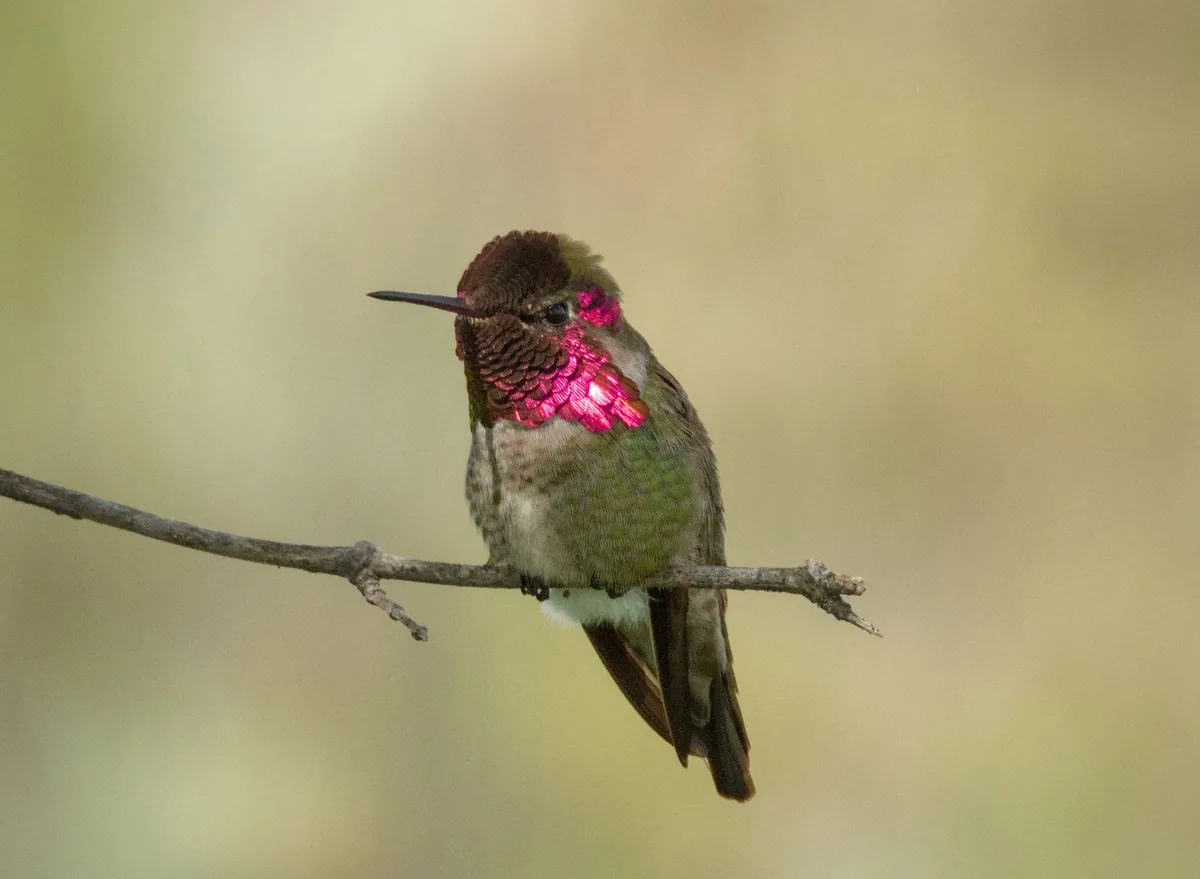
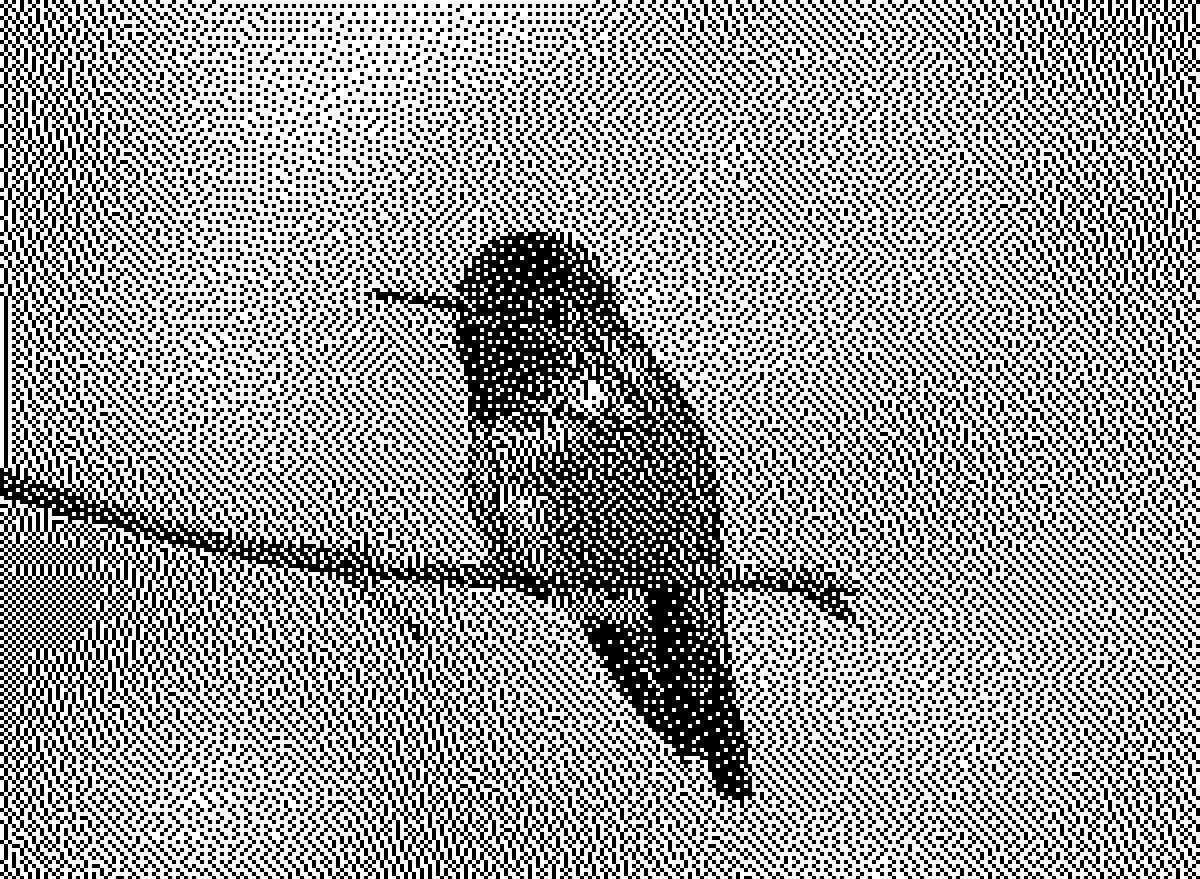
How to use it
- 1
Drop an image or video here
PNG, JPG, WEBP, GIF, or a short MP4 or WebM. The picture opens in the Dithering tab with Floyd–Steinberg already applied.
- 2
Choose an Algorithm
Floyd–Steinberg scatters its error for a photographic grain. Bayer gives the ordered crosshatch of early games. The list opens with a thumbnail of each, grouped by family.
 Floyd-Steinberg
 Bayer 8x8
 Atkinson
The same picture through three algorithms. - 3
Set Scale and Strength
Scale is the size of one cell in output pixels; raise it until the texture still shows at print size. Strength is how much error is carried; lower it for a cleaner picture.
 Scale 200%
 Scale 400%
 Scale 800%
The same algorithm at three scales. - 4
Pick a Color Palette
Black & White for one ink, Library for classic machine and print palettes, Custom for your own colors. Color Matching decides which palette color each pixel takes.
- 5
Export
PNG at the size set in Pre-flight, or SVG and PDF where every dot is a shape. The same picture carries on to the Halftone and Separations tabs.
About this tool
Dither & Halftone rebuilds a picture from a few colors. Drop in a photo and choose an algorithm: error diffusion for soft grain, an ordered matrix for the crosshatch of early games. The palette can be black and white, a classic machine, or your own.
You get a PNG at the size you set, or SVG and PDF where every dot is a shape. The Halftone and Separations tabs take the same picture on to a printer’s screen or to plates. A saved project reopens with every setting.
Features
Every algorithm shown
Error diffusion, ordered matrices and more, each with a live thumbnail and a reference page of the whole set.
Machine palettes
Classic machine and print palettes from the Library, or your own swatches, and a Device fit for real screens.
Vector dots
SVG and PDF keep each dot as a shape, sharp at any size, ready for a risograph or a screen.
Video too
A short clip dithers frame by frame with the same settings and exports as a file you can post.
Frequently asked questions
Is it free?
Yes. Every feature and every export is free, with no account and no watermark. An account is optional and only keeps your projects so you can reopen them on another device.
Are my files uploaded?
No. Everything runs in your browser and your files stay on your device. The only thing that leaves it is a project you choose to save to your account.
What is dithering?
A way to show more tones than the colors you have, by arranging the few in patterns. It is how early computers drew photographs and how printers still put gray on paper.
Which algorithm should I start with?
Floyd–Steinberg. It is the default because it reads as a photograph at almost any size. Switch to an ordered matrix such as Bayer when you want a visible, regular texture.
Algorithm reference
Every dithering algorithm in the tool, named, grouped, and rendered by the same engine that ships inside it.
More tools
Halftone Generator
Turn photographs into halftone dots — 20 dot shapes, 12 grid arrangements, per-channel screen angles and vector output.
Screen Print Separations
Separate artwork into screen-printing films — six separation modes, trapping in millimeters, underbase and press-ready plates.
Risograph Separator
Separate artwork into risograph plates — 31 authentic inks, 6 paper stocks, overprint proofing and shop-ready pre-flight.
ProDesigner is free for everyone, everywhere. If it saves you time, consider supporting its development.
Support ProDesigner