How to use Audio Visual FX
Run a picture through real audio effects, from delay to bit crush, and export an image or a loop.
A short guide to getting good results, plus answers to the questions people ask most.
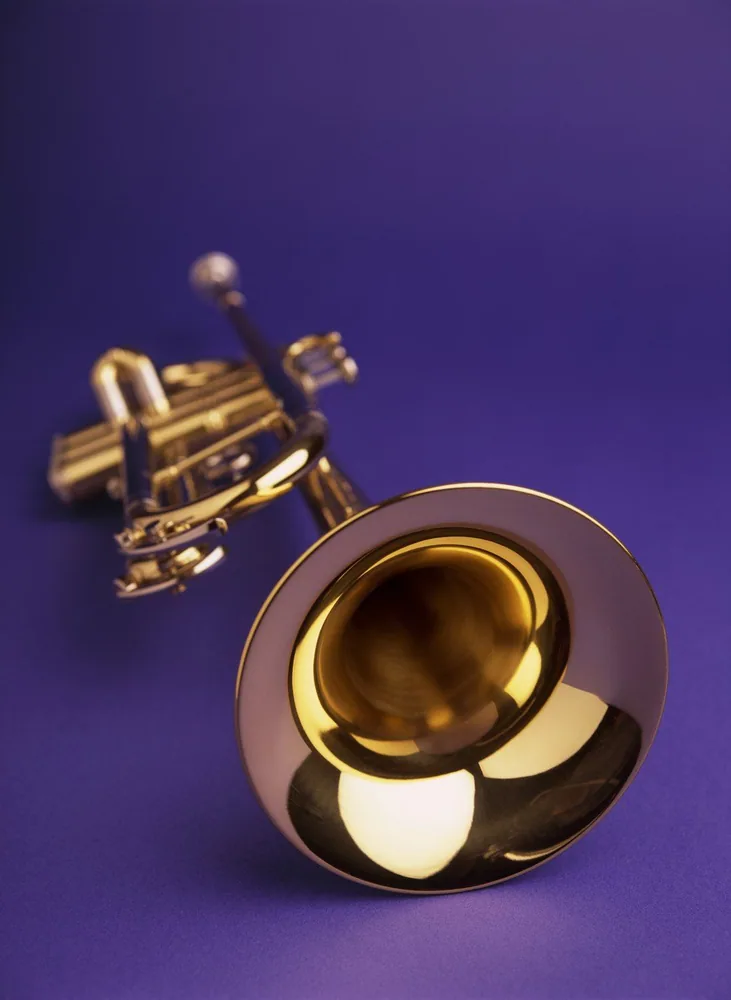
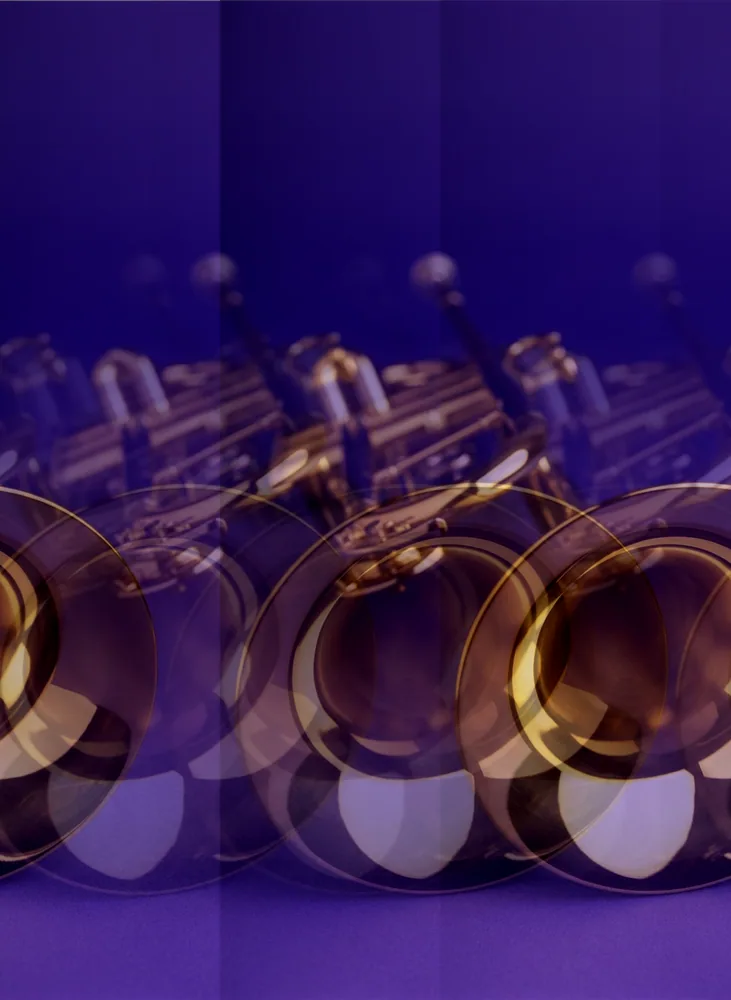
How to use it
- 1
Press Add Effect
Load a picture, then choose from the list: Delay, Glitch, Bit Crush, Wavefolder and many more. Each joins the chain with its defaults, and the stage updates as you drag a slider.
- 2
Set the Scan Mode
The order the pixels are read in. Flat reads the picture as one stream, Rows and Columns run the effect along each line, Radial sweeps from the center. The same delay differs under each.
 Glitch
 Bit Crush 3
 Wavefolder
 Delay
DelayGlitch, Bit Crush at 3 bits, Wavefolder and Delay, one at a time on the same picture. - 3
Set the Mix
Every effect ends with Mix, the share blended over the original. Two effects at a low mix read as a treatment; one at full mix reads as damage. Switch an effect off to compare.
 Scan Mode Flat
 Scan Mode Rows
 Scan Mode Columns
 Scan Mode Radial
One Delay under Scan Mode Flat, Rows, Columns and Radial. - 4
Reorder, then Split View
Drag an effect up or down the chain. A delay before a bit crusher echoes clean copies and posterizes them together; reversed, it echoes the posterization. Split View shows the original beside the result.
 Mix 0.2
 Mix 0.5
 Mix 1
Mix 1Wavefolder at Mix 0.2, 0.5 and 1. - 5
Press Export
A PNG at the picture's own size, or an animation when the chain moves. Sonify turns the picture into sound you can play and download.
About this tool
Drop in a picture and it is read as sound: three streams of samples, one row of pixels after the next. Every effect in the chain is an audio effect, so a delay echoes the picture across the frame and a bit crusher posterizes it. Sleeve designers, VJs and poster makers use it for glitch looks a filter cannot fake.
You get a PNG at the picture's own size, or an animated loop when a track or a modulator drives the chain. The picture can also become a sound you download. Nothing leaves your computer.
Features
Real audio effects
Delay, reverb, flanger, ring mod, vocoder, spectral blur, bit crush and many more, each run over the pixels as samples.
Scan modes
Flat, rows, columns, radial, spiral, wave, Voronoi, Hilbert: the path the signal takes through the picture.
Modulation
LFOs and an audio track can drive any slider, so a still becomes a loop that moves with the music.
Nothing leaves your computer
Processing runs in your browser. A client's artwork is never uploaded.
Frequently asked questions
Is it free?
Yes. Every feature and every export is free, with no account and no watermark. An account is optional and only keeps your projects so you can reopen them on another device.
Are my files uploaded?
No. Everything runs in your browser and your files stay on your device. The only thing that leaves it is a project you choose to save to your account.
What does audio have to do with a picture?
The picture is treated as sound: each row of pixels is a run of samples, and the width is the sample rate. Effects built for audio then act on it. A Delay echoes shapes across the frame, a filter softens edges, Bit Crush posterizes.
Why does nothing change when I add Bit Crush?
At its default of 8 bits it matches the picture's own depth, so nothing is lost. Lower Bit Depth to 4 or 3 and the bands appear.
Can I make it move?
Yes. Point an LFO or an audio track at a slider in the modulation panel, press Play, and export the loop.
More tools
GIF Compressor
Compress animated GIFs to a fraction of their size — smart delta, fit under any platform limit, and a synced before/after.
GIF Editor
Open a GIF as layers, reorder and re-time its frames, then export.
Image to Vector
Convert PNG and JPG images into clean, scalable SVG vectors — right in your browser.
ProDesigner is free for everyone, everywhere. If it saves you time, consider supporting its development.
Support ProDesigner