How to use Cross Stitch Pattern Maker
Turn a photo into a cross stitch chart with symbols, thread codes and stitch counts, ready to print.
A short guide to getting good results, plus answers to the questions people ask most.
How to use it
- 1
Press Add image
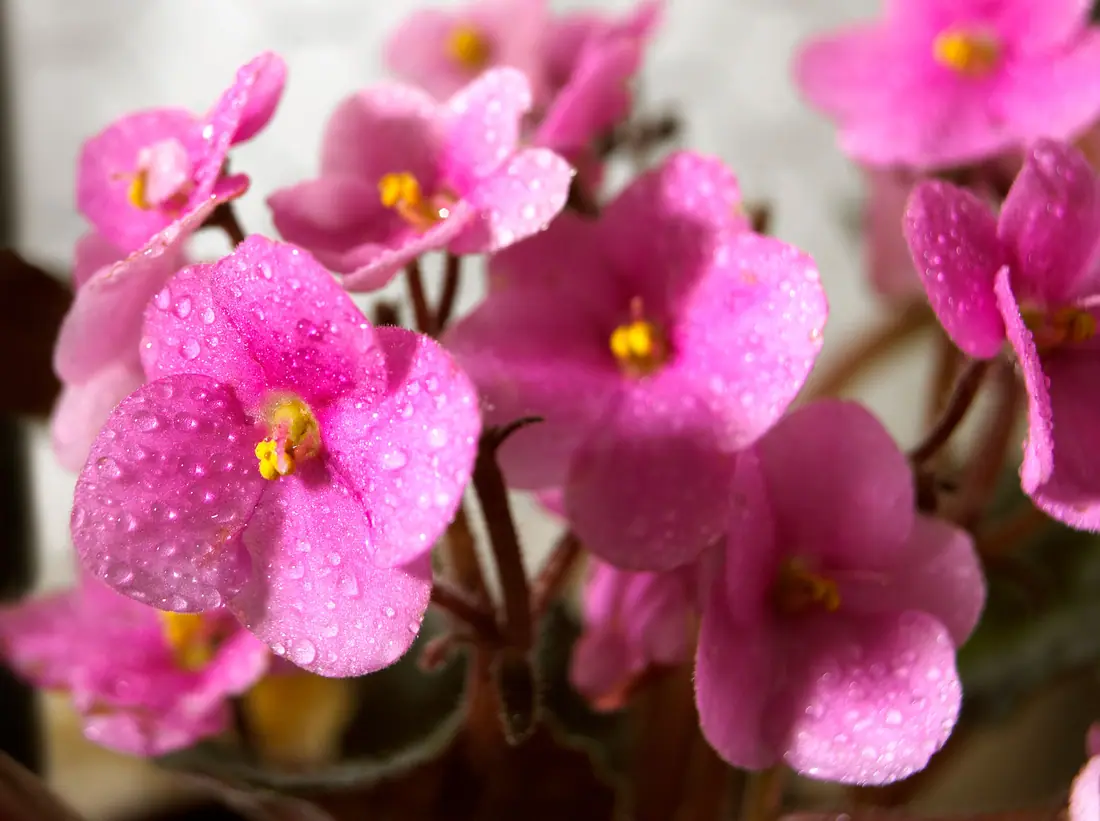
Drop a photo and the grid takes its proportions. Or start a Blank chart and build the palette thread by thread.
- 2
Set Stitches wide and Fabric count
The finished size follows in centimeters and inches, with the fabric to cut. Around 100 stitches keeps a photo recognizable; more stitches means more detail and more hours.
 Stitches wide 60
 Stitches wide 100
 Stitches wide 160
Stitches wide at 60, 100 and 160 on the same photo. More stitches keep more detail and take more hours. - 3
Set Maximum colors
Fewer threads make a chart faster to stitch and easier to read. Press Rematch colors after a change; locked threads stay.
 Maximum colors 8
 Maximum colors 16
 Maximum colors 40
Maximum colors at 8, 16 and 40. Eight already reads as violets; forty keeps the shading and adds threads to buy. - 4
Press Tidy confetti
Confetti is a single stitch of one color on its own. Tidy merges each one into a neighbor when the picture barely changes, and keeps a deliberate highlight.
 Original
 Tidy confetti
Before and after Tidy confetti on a detail: the lone stitches in the petals merge into their neighbors. - 5
Press Export chart
Choose the Format: paged PDF with the key, PNG or TIFF, SVG, or OXS. Export thread list gives you the shopping list.
About this tool
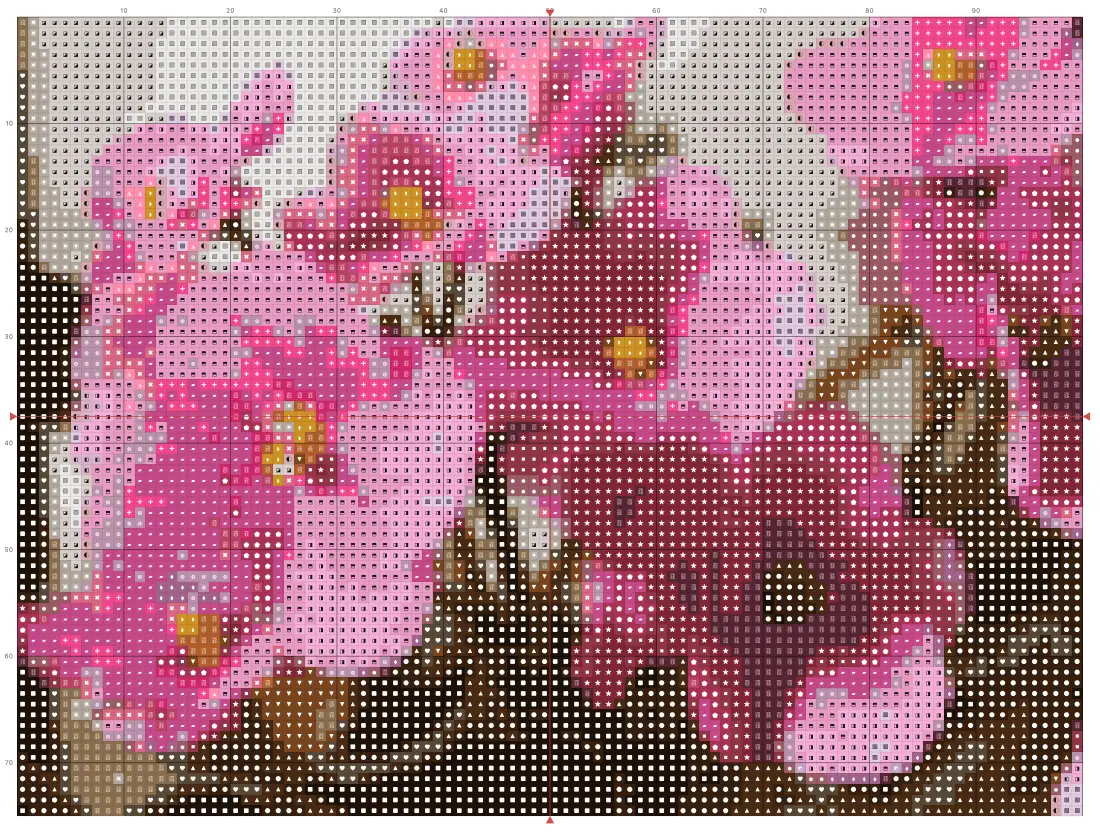
Drop in a photo and it becomes a chart: symbols on color, a heavier line every ten stitches, numbers along the edges and center arrows. Colors are matched to a thread palette in a perceptual color space. Stitchers use it to work a portrait, a pet or a flower from a photo.
You get a paged PDF with the key and skein estimates, a PNG or TIFF for printing, an SVG, and OXS for other stitching software. Print at 100% and the size on paper matches the readout.
Features
Thread palette
Colors matched in CIELAB to real thread codes. Lock the threads you own and replace any thread by hand.
Paint and outline
Repaint cells, add half and quarter stitches at the edges, and trace outlines in backstitch.
Colorways
Keep several recolorings of one pattern side by side, each with its own threads and repaints.
Review tab
Seven checks before you start: rare threads, colors too close to tell apart, clashing symbols, confetti, page count.
Frequently asked questions
Is it free?
Yes. Every feature and every export is free, with no account and no watermark. An account is optional and only keeps your projects so you can reopen them on another device.
Are my files uploaded?
No. Everything runs in your browser and your files stay on your device. The only thing that leaves it is a project you choose to save to your account.
Can I use the pattern in other stitching software?
Yes. Export OXS, the open cross stitch format, and open the chart in WinStitch, MacStitch, FlossCross and anything else that reads it. Full, half and quarter stitches and backstitch all make the trip.
How much fabric do I need?
The readout shows two numbers. The finished size is what the stitches cover; the cut size adds three inches on every side for the hoop, mounting and re-centering.
How many strands should I use?
Two on 14-count fabric is usual, three on 11-count or for full coverage, one on very fine fabric. Set Strands per stitch in the Chart tab and the skein estimates follow.
More tools
Tartan Pattern Generator
Design authentic tartan and plaid — sett, weave and colorways — then export seamless tiles, mill-ready files and Pantone-matched specs.
Embroidery Digitizer
Turn a logo or vector artwork into a machine embroidery file — satin, fill and running stitches chosen with the reason attached, pre-flighted for the fabric, and a run sheet for the machine.
Seamless Pattern Studio
Draw a repeat with a pen: pressure and tilt shape a vector nib, the neighbouring tiles fill in while your hand is still moving, and the tile exports as an SVG pattern, an EPS or an Illustrator file with a named pattern swatch.
ProDesigner is free for everyone, everywhere. If it saves you time, consider supporting its development.
Support ProDesigner