How to use Embroidery Digitizer
Turn a logo or vector artwork into a machine embroidery file: DST, PES and more, with a run sheet.
A short guide to getting good results, plus answers to the questions people ask most.
How to use it
- 1
Press Upload
Drop an SVG on the stage, or send one here from Vectorize. Set Width in millimeters and the Fabric; the tool digitizes as soon as it has both.
- 2
Set the Width
The same artwork changes stitch type with size: a letter that is a satin column at 40 mm becomes a fill at 160 mm. The Design tab lists every decision with its reason.
 Width 40 mm
 Width 100 mm
 Width 160 mm
Width at 40, 100 and 160 mm. Satin or fill is decided from each shape's measured width, so the letters change stitch type. - 3
Choose Materials
Fabric, Thread and Machine rows set density, underlay, compensation and the hoop. The Stitch style preset shifts the balance: Stitch-saving, Balanced or Heavy coverage.
 Stitch-saving
 Balanced
 Heavy coverage
Stitch-saving, Balanced and Heavy coverage on the same design: the density scale changes, the shapes do not. - 4
Open Pre-flight
Turn on the Density heat map. The list names too much thread for the fabric, detail too small, satin too wide, a jump needing a trim. Only a design outside every hoop blocks the export.
 Stitch preview
 Density heat map
The Stitch preview beside the Density heat map: green is fine, yellow heavy, red past what the fabric can take. - 5
Press Save stitch file
Choose the format your machine reads, then Save run sheet (PDF) and take both to the machine. Sew the first run on scrap fabric.
About this tool
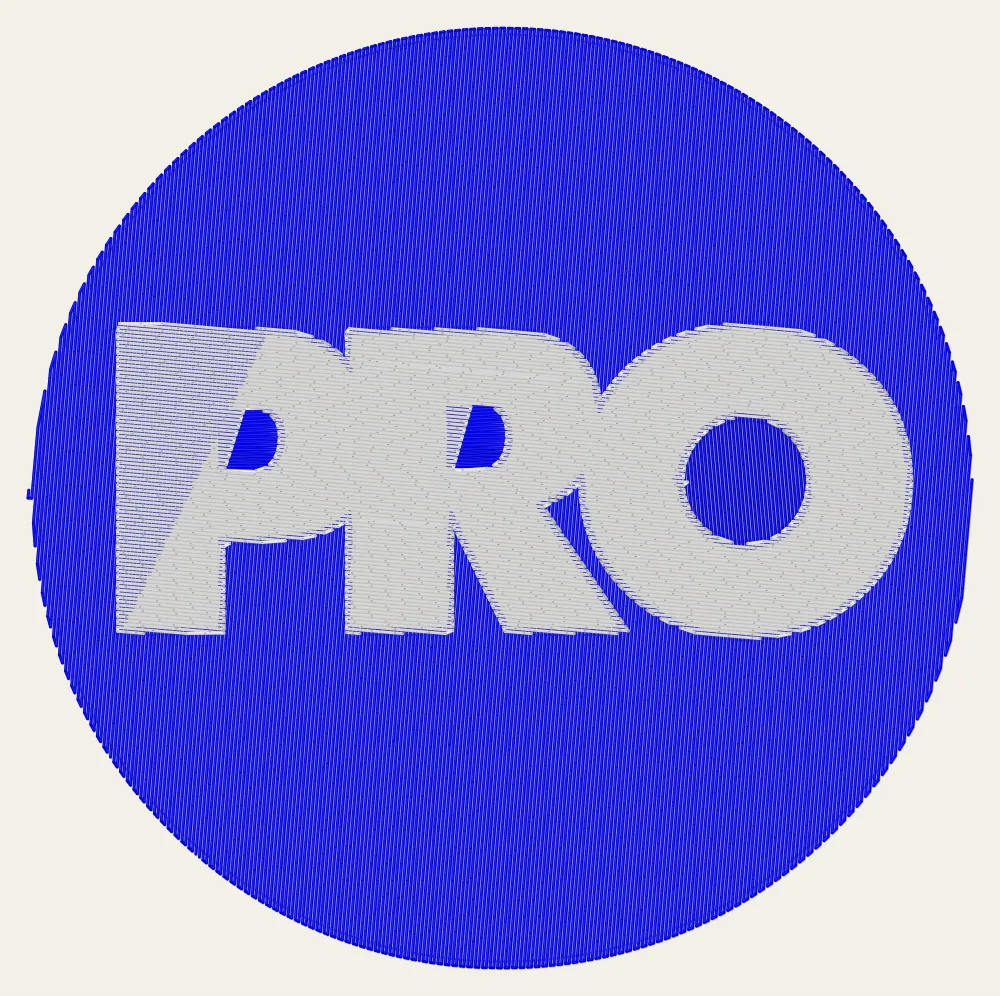
Drop an SVG, set the finished width and the fabric, and the tool reads the artwork as regions in paint order. Each shape becomes satin, fill or a running stitch, with the reason written down. Underlay, compensation and ties come from the fabric and thread rows.
You get a stitch file for your machine in DST, PES, JEF, EXP or VP3, plus a run sheet PDF with the color sequence. The stitch count on screen is the one the machine sees.
Features
Decisions you can read
Every object is listed with its stitch type and the engine's reason, in a digitizer's words.
Materials knowledge base
Fabric, thread, stabilizer and machine rows decide density, underlay, compensation and the hoop.
Pre-flight before the machine
A density heat map and the design-side causes of classic failures, with the fix applied or offered.
Edit the stitches
Draw shapes, edit nodes, convert satin to fill, reorder the sequence, and import a stitch file as objects.
Frequently asked questions
Is it free?
Yes. Every feature and every export is free, with no account and no watermark. An account is optional and only keeps your projects so you can reopen them on another device.
Are my files uploaded?
No. Everything runs in your browser and your files stay on your device. The only thing that leaves it is a project you choose to save to your account.
Will the file sew well on my machine?
The formats are checked against an independent reader in both directions. Stitch quality is proven only with thread, so treat the first sew-out as a test on scrap fabric.
Can I digitize a photo or a PNG?
Not directly. Embroidery needs vector shapes, so a raster picture goes through Vectorize first and arrives here as an SVG. Gradients are flattened to their dominant color and the tool says so.
Which machines and formats are supported?
DST for Tajima, Barudan and Ricoma. PES for Brother and Baby Lock. JEF for Janome. EXP for Melco and Bernina. VP3 for Husqvarna Viking and Pfaff.
More tools
Tartan Pattern Generator
Design authentic tartan and plaid — sett, weave and colorways — then export seamless tiles, mill-ready files and Pantone-matched specs.
Cross Stitch Pattern Maker
Turn a photo into a cross stitch chart you can actually work from — or draw one from blank fabric, stitch by stitch.
Seamless Pattern Studio
Draw a repeat with a pen: pressure and tilt shape a vector nib, the neighbouring tiles fill in while your hand is still moving, and the tile exports as an SVG pattern, an EPS or an Illustrator file with a named pattern swatch.
ProDesigner is free for everyone, everywhere. If it saves you time, consider supporting its development.
Support ProDesigner