How to make a seamless repeating pattern
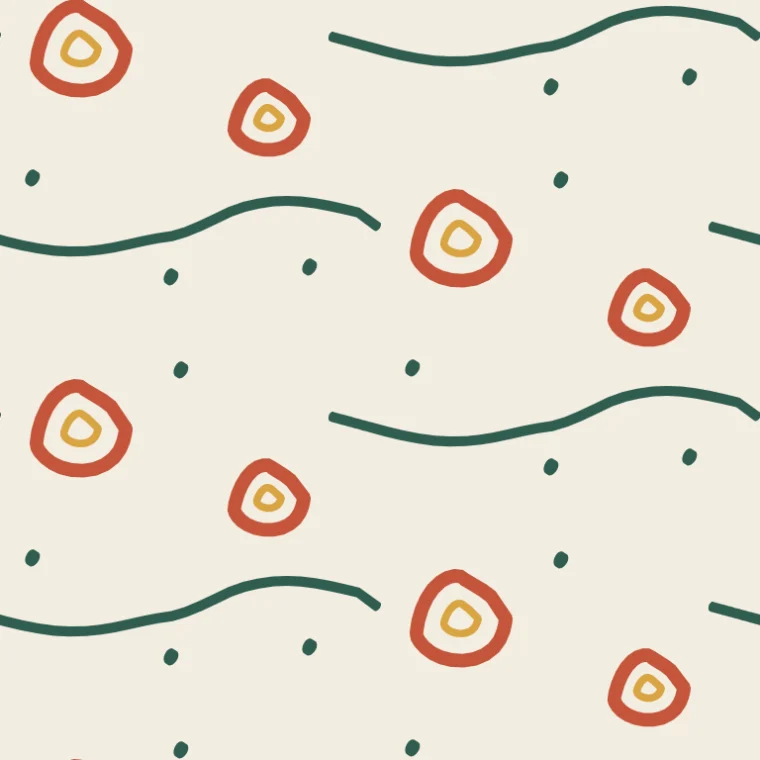
Draw one tile, watch it repeat while you draw, then send it to print in every colorway.
A short guide to getting good results, plus answers to the questions people ask most.
How to use it
- 1
Set the tile
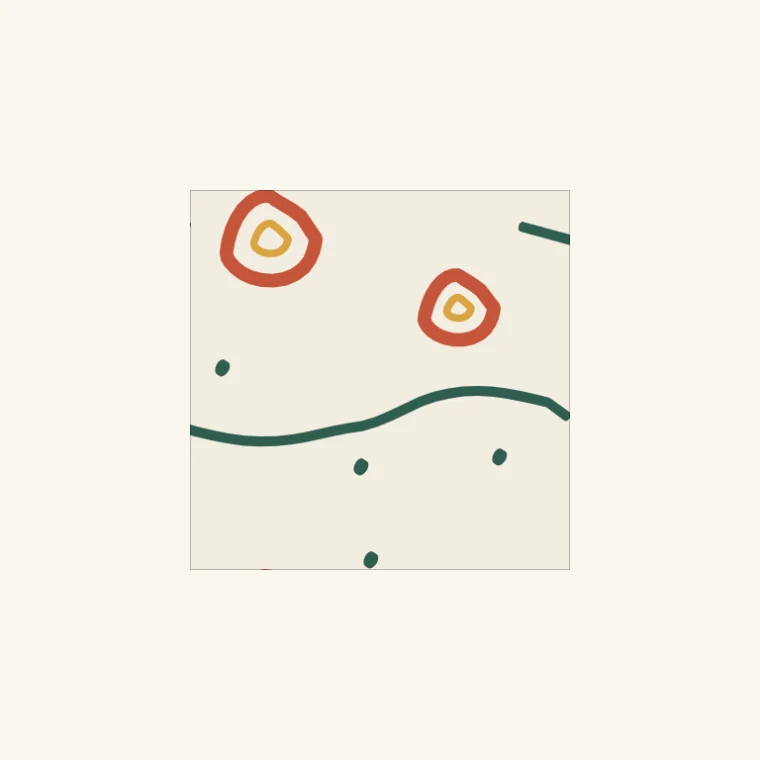
The tool opens on an empty 4 in tile. On the Tile tab, in the panel on the right, set its Width and Height in Inches, Centimeters or Pixels.
- 2
Pick a Repeat
In the top bar, beside the zoom: straight, Half-drop, Brick, mirror, hex and more. A drop or a brick takes an Offset on the Tile tab, such as One third.
 Half-drop
 Third drop
 Hex
 Diamond
The same tile as a half drop, a third drop, a hex and a diamond. - 3
Draw, or bring artwork
The draw tool is on from the start: draw on the tile with a pen or a mouse. Or drop an SVG, an Illustrator file or an EPS; it arrives as editable shapes.
- 4
Color it
On the Color tab, change any color under Recolor and colorways and it changes everywhere. New colorway keeps another version, and Apply a palette file… brings a palette in.
 Original
 New colorway
One pattern in its own colors and in a second colorway, from the same strokes. - 5
Press Export
The blue button, top right. Print gives a PDF, Picture a PNG, JPEG or TIFF, and Design software an SVG, EPS or Illustrator file. All together writes every colorway at once.
About this tool
Draw in the tile with a pen or a mouse, and the copies around it fill in while your hand is still moving. Every mark is a vector shape, so it stays sharp at any print size. Choose a straight repeat, any drop or brick, a mirror, a hex or a diamond.
Change a color everywhere at once, keep colorways side by side, or bring a palette file. Export a PDF, a TIFF or a picture at fabric, wallpaper and wrapping-paper sizes. An SVG or an Illustrator file carries the repeat as a swatch for design programs.
Features
Pen, vector line
Pressure and tilt shape the nib, and every stroke is a curved outline you can edit and recolor later.
Every common repeat
Straight, any drop or brick, mirror, kaleidoscope, hex and diamond, on a square or a rectangular tile.
Colorways in one place
Change a color everywhere at once, keep color versions of one pattern, and export them all together.
Ready for the printer
PDF, TIFF, JPEG and PNG at a print resolution, sized for fabric yards, wallpaper rolls and wrapping paper.
Frequently asked questions
Is it free?
Yes. Every feature and every export is free, with no account and no watermark. An account is optional and only keeps your projects so you can reopen them on another device.
Are my files uploaded?
No. Everything runs in your browser and your files stay on your device. The only thing that leaves it is a project you choose to save to your account.
Do I need a graphics tablet?
No. A mouse draws at an even width. A pressure-sensitive pen adds pressure and tilt, and the status bar says when it sees one.
Which file do I send to a fabric printer?
A PDF or a TIFF of a fabric yard at 150 dpi suits most print-on-demand shops. The picture carries its dpi, so it prints at the size you chose.
Why is my drop export wider than my tile?
A file repeats a rectangle side by side, so a drop becomes the smallest block that does. A third drop is three tiles wide, and it tiles exactly as the stage shows.
More tools
Logo Pattern Generator
Turn your own logo into a seamless brand pattern — an even toss or a grid, straight, half-drop, brick or hex, with the wallpaper symmetries — then export a tile that actually tiles, as PNG, JPEG or SVG.
Holographic Texture Generator
Generate seamless holographic foil textures with real diffraction physics, then export them as tileable PNG, video or a live embed.
Tartan Pattern Generator
Design authentic tartan and plaid — sett, weave and colorways — then export seamless tiles, mill-ready files and Pantone-matched specs.
ProDesigner is free for everyone, everywhere. If it saves you time, consider supporting its development.
Support ProDesigner