How to use Holographic Texture Generator
Make seamless holographic foil textures from real diffraction physics, and export them as PNG, video or an embed.
A short guide to getting good results, plus answers to the questions people ask most.
How to use it
- 1
Pick a Preset
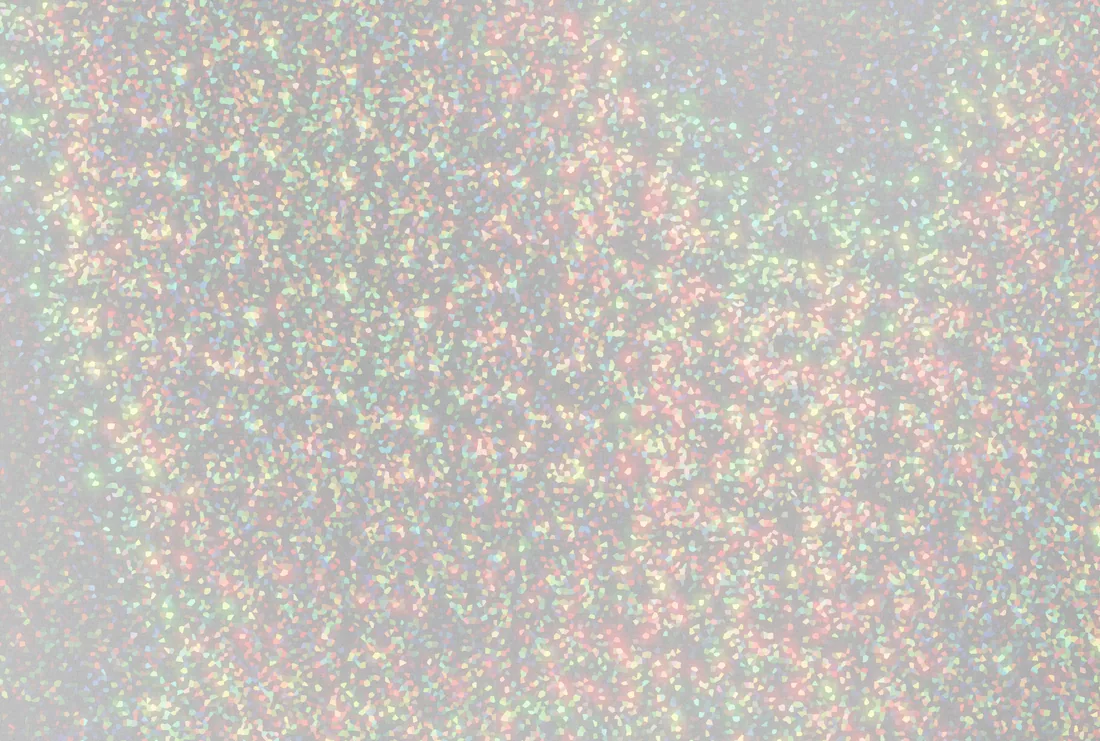
Fine glitter, Chunky glitter, Confetti dots, Sequins, Flat holo, Rainbow film and the rest are real foil names. Pick the closest, then move the four recipe axes.
 Fine glitter
 Chunky glitter
 Confetti dots
 Sequins
Four presets: Fine glitter, Chunky glitter, Confetti dots and Sequins. - 2
Move Pitch
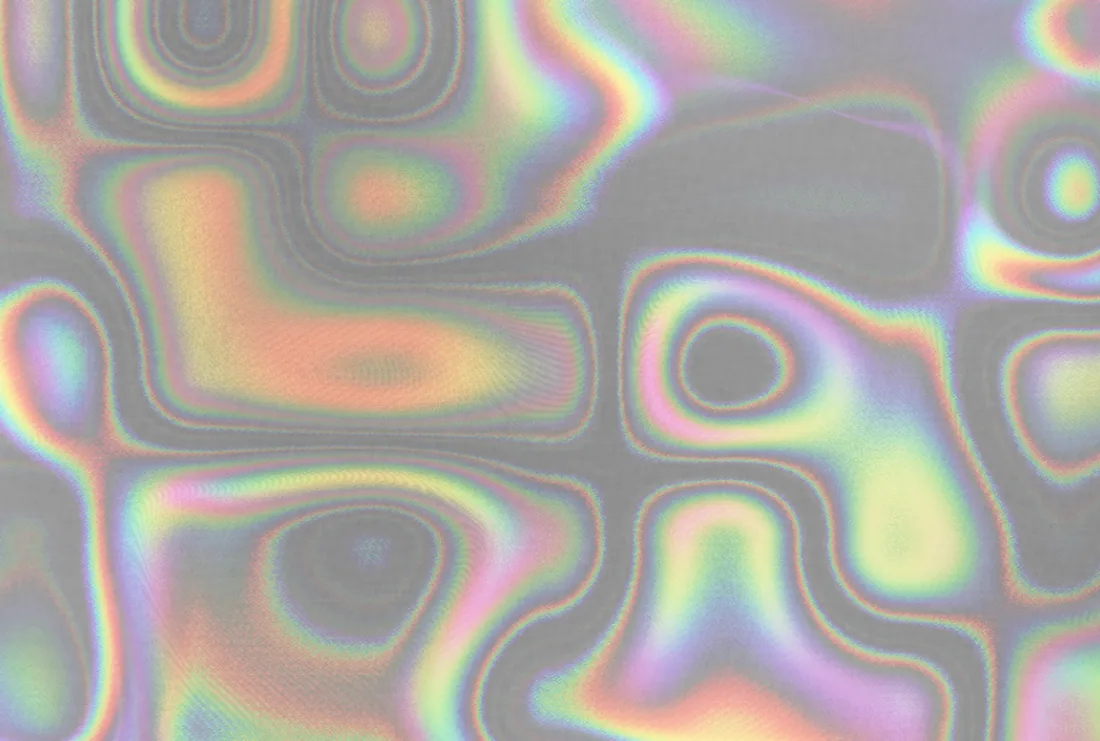
The groove spacing in nanometers decides which wavelengths bend where. Tighter spreads the spectrum and shifts it faster as the sheet tilts; wider gives fewer, cleaner hues.
 Pitch 700 nm
 Pitch 1500 nm
 Pitch 3200 nm
Pitch at 700, 1500 and 3200 nm on Flat holo: red clipped, the full spectrum, violet clipped. - 3
Change the Layout and Motif
Continuous is a flat sheet; Voronoi chips, Hex grid and Strips cut it into cells. A Motif stamps a shape into each cell, or Custom logo stamps yours.
 Continuous
 Voronoi chips
 Hex grid
 Strips
One glitter under four layouts: Continuous, Voronoi chips, Hex grid and Strips. - 4
Set Grooves and Stock
Grooves sets how the cells point: random, radial, a flow field. Stock adds the tooth of the printed sheet the foil sits on, which is most of what makes a render read as a sticker.
- 5
Press Export
Turn on the tile before you commit, because seamless output nudges the scale. Then a PNG at up to 4096 px, a light-sweep video, or the interactive Embed HTML.
About this tool
Pick a foil and the tool renders it from physics, not a gradient. Each cell of the sheet is a grating with its own direction and pitch, so the colors sweep as the sheet tilts. Designers use it for stickers, packaging and backgrounds.
You get a seamless tile or a PNG up to 4096 px, a four-second light-sweep WebM, or an HTML embed that tilts to the cursor.
Features
Real diffraction
A grating equation per pixel across the spectrum, rendered in linear light; the color comes from physics.
Seamless tiling
Tile mode quantizes the lattice so the export repeats invisibly at any size.
Your logo as foil
Upload an SVG or PNG as a repeating motif, or print artwork over the sheet, sparkle through the ink.
Image, video or embed
PNG to 4096 px, a four-second WebM light sweep, or an HTML embed that tilts to the cursor.
Frequently asked questions
Is it free?
Yes. Every feature and every export is free, with no account and no watermark. An account is optional and only keeps your projects so you can reopen them on another device.
Are my files uploaded?
No. Everything runs in your browser and your files stay on your device. The only thing that leaves it is a project you choose to save to your account.
Can I use the textures commercially?
Yes. Textures you generate are yours to use, including in client work, packaging, merchandise and print.
Why does it need WebGL2?
The diffraction is computed for every pixel of every frame, which only a graphics card can do at speed. Almost every browser since 2017 has it.
Why does my texture change when I turn tiling on?
Seamless output quantizes the lattice so the tile closes, which nudges the scale. Turn the tile on before you tune a texture you mean to export seamless.
More tools
ProDesigner is free for everyone, everywhere. If it saves you time, consider supporting its development.
Support ProDesigner