How to use Background Remover
Cut the background out of a photo and download a full-size transparent PNG, with nothing uploaded.
A short guide to getting good results, plus answers to the questions people ask most.
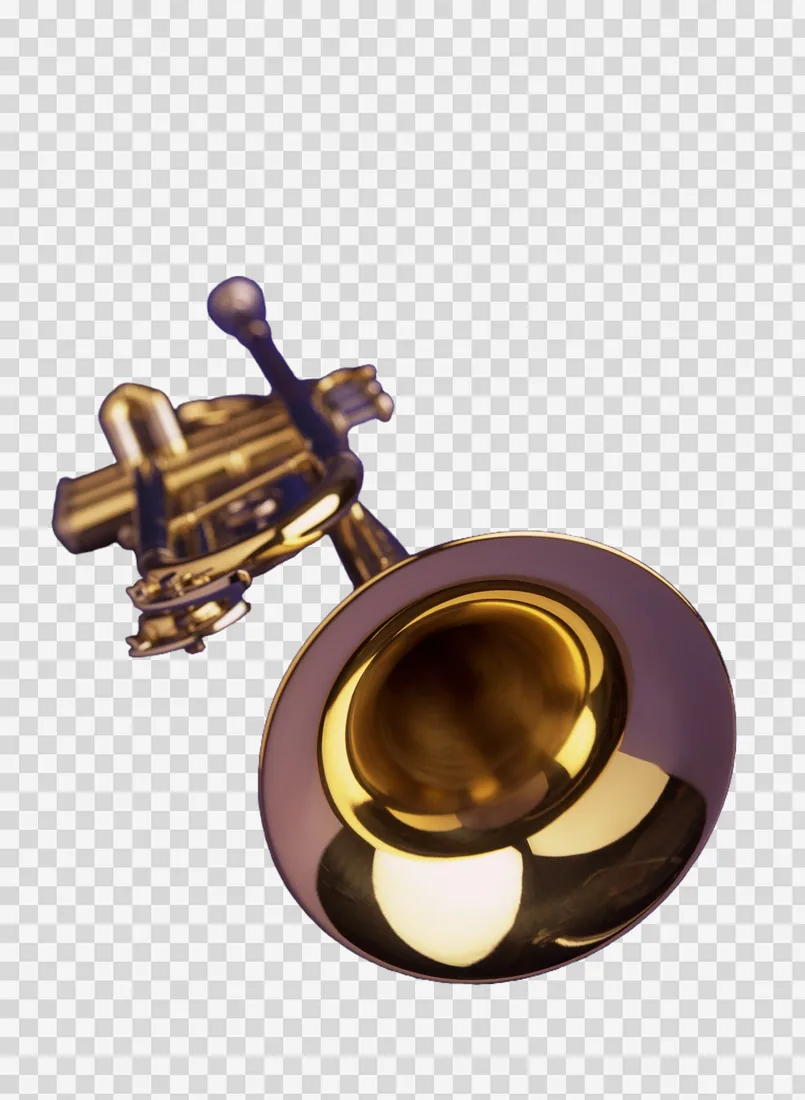
How to use it
- 1
Drop a photo
Drop a picture on the page or press Open image. The engine downloads once; then a cutout takes seconds. A clear subject cuts out best, a busy scene with no subject is the hard case.
- 2
Pick the Edge
Soft keeps fine hair and fur. Crisp gives a hard, clean outline for products and logos. Balanced is the default and the right answer for most photos.
 Soft
Soft Balanced
 Crisp
CrispSoft, Balanced and Crisp on fur: Soft keeps the stray hairs, Crisp hardens the outline and drops them. - 3
Change Subject when Auto picks wrong
People is tuned for portraits, Click lets you point at the thing you mean, Flat keys a plain backdrop instantly. Fine detail follows hair, fur and glass on a graphics card.
 Standard
 People
The Standard engine and the People engine on a portrait. Auto tried both and kept People. - 4
Choose the Background
Transparent for a design or a sticker, White or Black for a listing, or pick a color for a profile picture. The cutout itself does not change.
 Transparent
 White
White Black
BlackThe same cutout on Transparent, White and Black. - 5
Press Download
PNG keeps every pixel exact; WebP is several times smaller with the same transparency. Both come back at the size you put in.
About this tool
Drop in a photo and the subject is cut out in your browser at the photo's full size. Choose a transparent, white, black or custom background, pick the edge that suits the picture, and download a PNG. Shops, sellers and designers use it for product shots, profile pictures and stickers.
You get a transparent PNG or a smaller WebP at the original size, with no watermark and no limit on how many. The cutout is already sticker artwork, and it can go straight to the Sticker Mockup.
Features
Full size, free
Your cutout comes back at the size you put in, not a shrunken preview, with no watermark.
Four subject engines
Auto, People, Click and Flat, plus Fine detail on a graphics card, each for a different kind of picture.
Brush and edge tools
Paint parts back in or away, fill small gaps, shift or feather the edge under Advanced.
Batch and video
Drop several photos at once, or a clip to cut every frame in the Video Background Remover.
Frequently asked questions
Is it free?
Yes. Every feature and every export is free, with no account and no watermark. An account is optional and only keeps your projects so you can reopen them on another device.
Are my files uploaded?
No. Everything runs in your browser and your files stay on your device. The only thing that leaves it is a project you choose to save to your account.
Is the download full resolution?
Yes, always, and free. The PNG is the size of the photo you put in; the WebP is the same size in fewer bytes.
Why does the first cutout take longer?
The engine downloads once the first time you use the tool, then your browser keeps it for next time.
What if the edge has a pale halo?
Under Advanced, pull Shift edge in by a pixel; it removes a halo that nothing else will. Try Crisp first on products.
More tools
Video Background Remover
Remove the background from a video clip — every frame, in your browser.
Image to ASCII
Turn any image into detailed ASCII and text art, with live controls and multiple export options.
Palette Studio
Build a color palette from any era since 3000 BCE — or from a photo, a harmony or by hand — and lay it out as a client sheet with HEX, RGB, CMYK and spot codes, in your own type.
ProDesigner is free for everyone, everywhere. If it saves you time, consider supporting its development.
Support ProDesigner