How to use Logo Pattern Generator
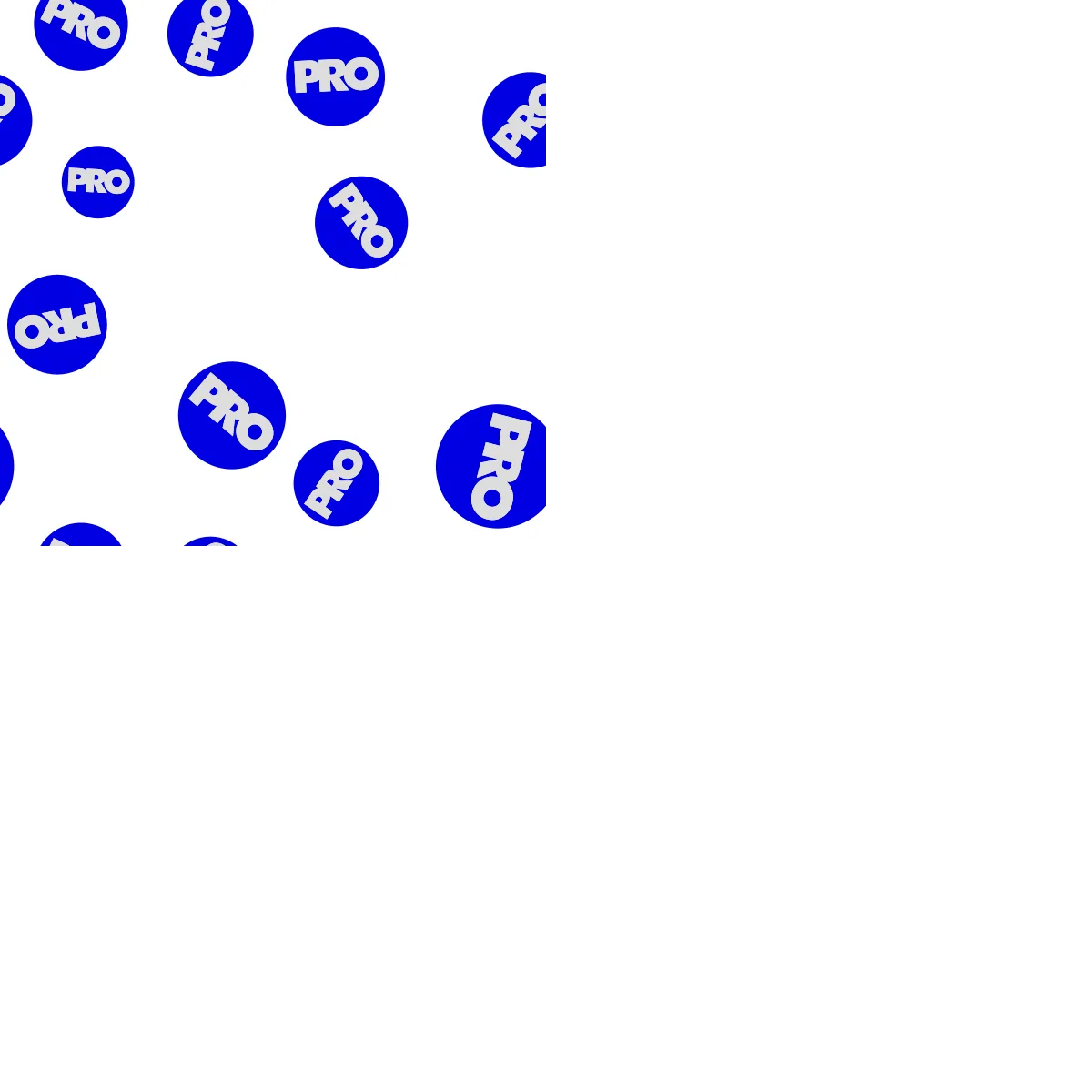
Turn your logo into a seamless brand pattern and export a tile that repeats without a seam.
A short guide to getting good results, plus answers to the questions people ask most.
How to use it
- 1
Press Add mark
Drop an SVG or PNG. The first mark sets the palette from its own colors. Start with Scatter, look, then switch to Grid when you want rows.
 Scatter
 Grid
GridScatter tosses the mark with even spacing; Grid sets it on rows and columns. - 2
Choose the Layout
Block repeats straight, Half drop and Brick offset every other column or row by the Drop fraction, Hex rows stagger like honeycomb. Every fraction closes exactly.
 Block
Block Half drop
 Brick
Brick Hex rows
The same grid under four layouts: Block, Half drop, Brick and Hex rows, each repeated four times. - 3
Add a Symmetry
Twelve wallpaper groups: mirrors, glides, half- and quarter-turns, the kaleidoscope. Applied to the cell before it repeats, so a scatter becomes a lattice.
 None
None Mirror both (pmm)
 Kaleidoscope (p4m)
One scatter under three symmetries: None, Mirror both (pmm) and Kaleidoscope (p4m). - 4
Set the Color mode
Always original keeps the mark's own colors. Cycle walks the palette in swatch order, Single tints every mark with the first color, Random and Per mark mix them.
 Always original
 Cycle
Cycle Single
Always original keeps the mark's colors; Cycle walks the palette; Single tints every mark with the first color. - 5
Check Repeat, then Export tile
Tile shows the unit you export; Repeat fills the stage with it and Seam check slides the join into view. Then choose PNG, JPEG or SVG under Export tile.
About this tool
Drop in your mark and it is scattered or gridded across a seamless tile: a mark crossing an edge is drawn again opposite. Choose the repeat, the symmetry and the colors. Brands use it for packaging fill, endpapers, slide backgrounds and fabric.
You get a PNG, JPEG or SVG tile, or an SVG pattern fill for a web page, in pixels, inches or centimeters. A saved kit reopens as the same pattern, because it is worked out from a seed, not stored as positions.
Features
Tiles without a seam
A mark crossing an edge is drawn again on the opposite side, and every drop fraction closes exactly.
Every textile repeat
Block, half drop, brick and hex at nine drop fractions, plus twelve wallpaper symmetries.
An even toss
Scatter keeps each mark as far from its neighbors as it can, with size variation and a rotation range.
Real sizes
The tile is measured in inches, centimeters or pixels at a print resolution, and snaps to divide a fabric width.
Frequently asked questions
Is it free?
Yes. Every feature and every export is free, with no account and no watermark. An account is optional and only keeps your projects so you can reopen them on another device.
Are my files uploaded?
No. Everything runs in your browser and your files stay on your device. The only thing that leaves it is a project you choose to save to your account.
Will I get the same pattern back next time?
Yes, exactly. The pattern is worked out from a seed and a short list of numbers, so a saved kit reopens pixel for pixel. Shuffle gives a new seed when you want a new toss.
Can I use more than one mark?
Yes. Add several and switch each on or off; the engines cycle through every mark that is on, so a second mark changes the whole rhythm.
Why does Single make my lettering vanish?
Single and Cycle tint the whole mark in one color, so a navy pill with white lettering becomes a solid pill. Use Always original for a multi-color mark.
More tools
Image to Vector
Convert PNG and JPG images into clean, scalable SVG vectors — right in your browser.
SVG Color Reducer
Reduce and remap the colors in any SVG, merge similar shades and shrink file size.
Vector Stamp
Give a logo, a silhouette or a line of type the look of a real rubber stamp — worn edge, uneven ink, mezzotint grain — and export it as true vector paths, not a filter.
ProDesigner is free for everyone, everywhere. If it saves you time, consider supporting its development.
Support ProDesigner